How to modify a placemark’s Lat-Long
Categories Common Features
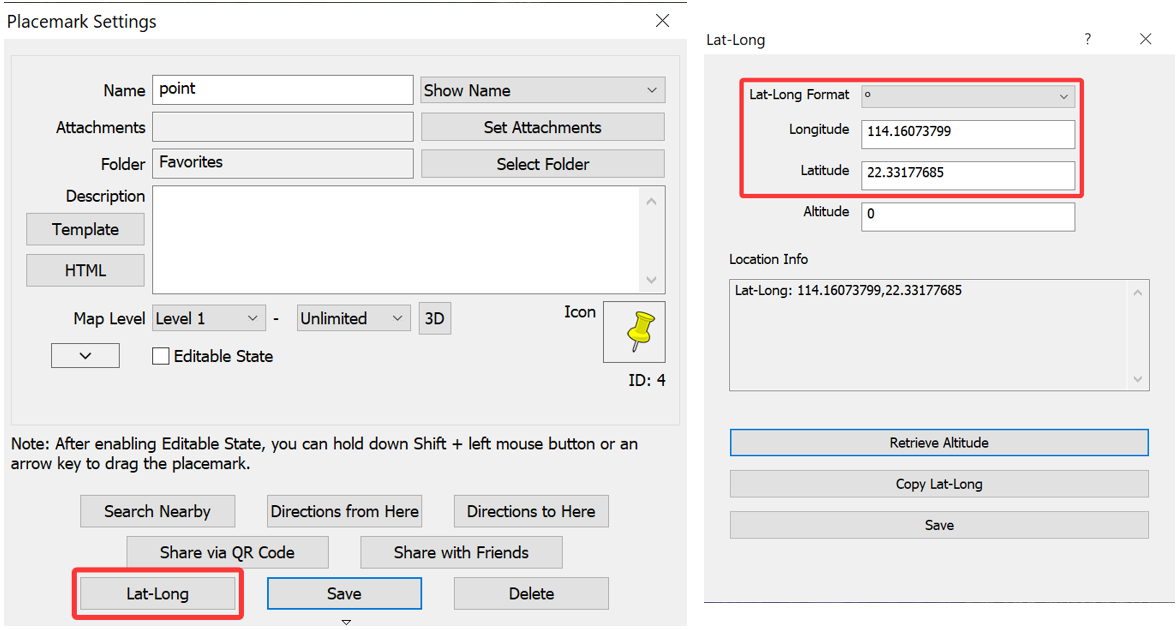
In the [Placemark Settings] dialog box, click [Lat-Long]. In the [Lat-Long] dialog box, the Lat-Long information of the placemark is displayed. You can modify the latitude and longitude as needed.