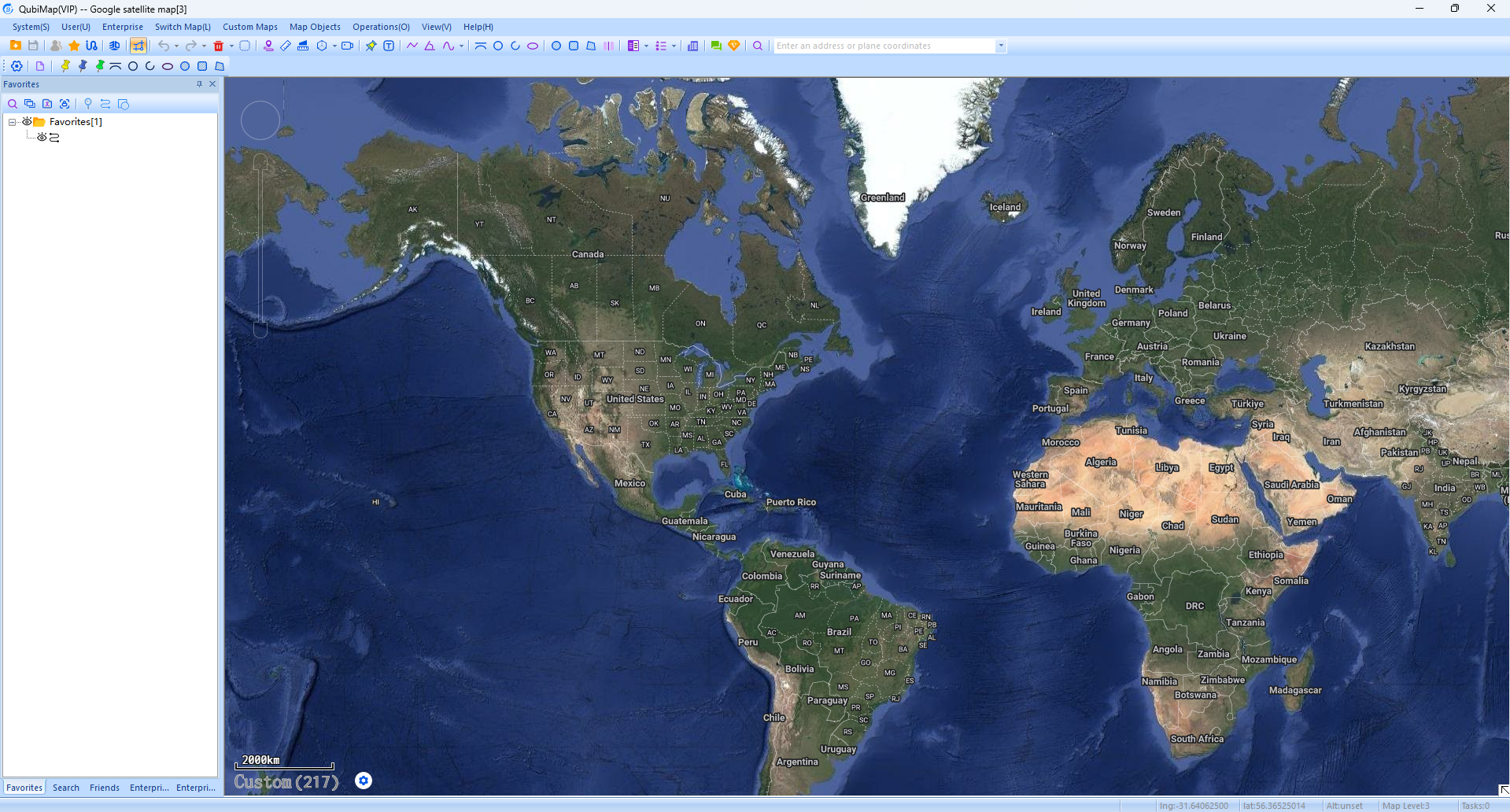
How to add well-known satellite maps into custom maps
Categories Custom Maps
QubiMap provides built-in maps as well as custom maps. You can add well-known satellite maps (Google and Bing) into custom maps.
1. Add satellite maps
On the QubiMap PC client, choose [Custom Maps] > [Custom Map Management]. In the dialog box that appears, click [Add] and select [Add Custom Map] from the drop-down list..

Select the maps you want to add and click [OK].
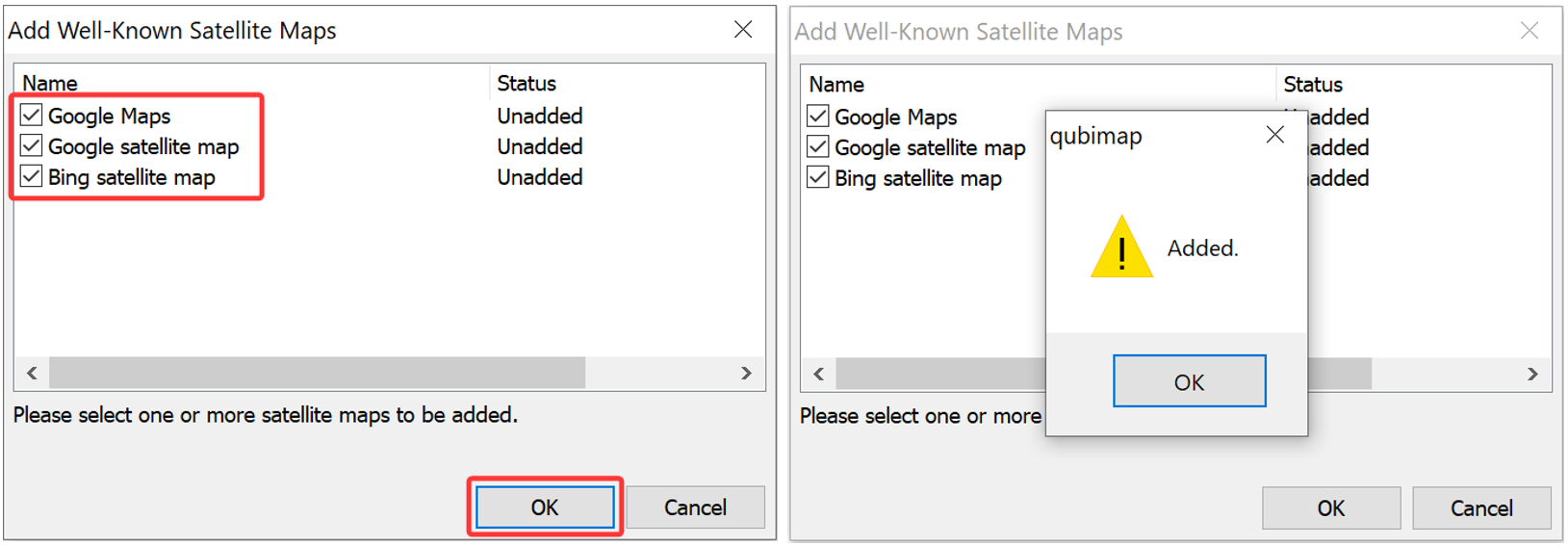
The added maps are displayed in the custom map list. Close the [Custom Map Management] dialog box.

2. View the maps
On the main UI, click [Custom Maps] and select an added satellite map from the drop-down list to view it.